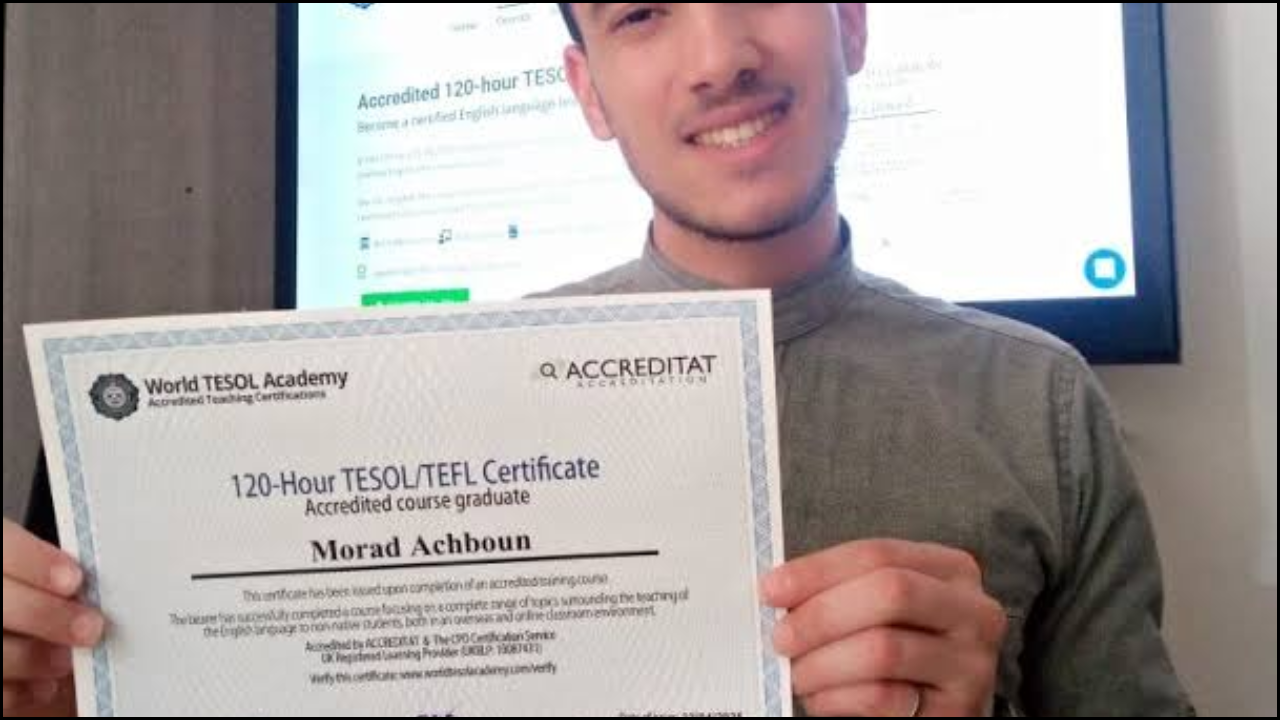
Teaching English abroad or online brings both excitement and challenges. Constant travel, new classrooms, and cultural adjustments require organization and adaptability. Reliable apps and digital tools simplify lesson planning, student engagement, and communication. Using technology efficiently helps teachers save time and focus on meaningful learning experiences.
Table of Contents
1. TEFL Handbook
A dedicated mobile application that supports English teachers with pre-made lessons and activities.
- Offers grammar explanations, warm-ups, and vocabulary exercises.
- Functions offline, making it ideal for teachers with limited internet access.
- Includes guidance for classroom management and learner assessment.
| Feature | Benefit |
|---|---|
| Lesson Templates | Ready-to-use for quick class preparation |
| Offline Mode | Accessible in remote areas |
| Teaching Tips | Supports classroom creativity |
| Categorized Topics | Helps plan by level and theme |
2. Google Drive & Google Docs
A cloud-based platform that keeps teaching resources organized and accessible from any device.
- Enables collaborative planning with other educators.
- Allows sharing of worksheets, presentations, and student feedback.
- Provides automatic saving and offline editing options.
| Tool | Use in TEFL |
|---|---|
| Google Docs | Draft lesson plans and track student writing progress |
| Google Slides | Create interactive grammar and vocabulary lessons |
| Google Sheets | Record attendance and grades |
| Google Drive | Store all teaching resources safely online |
3. Canva
A versatile design tool perfect for creating engaging visual materials.
- Offers templates for worksheets, flashcards, and class posters.
- Supports multilingual text, making it useful for bilingual classrooms.
- Free and premium versions available for different needs.
| Design Type | Application |
|---|---|
| Flashcards | Helps teach vocabulary with visuals |
| Posters | Enhances classroom decoration |
| Infographics | Explains grammar concepts clearly |
| Worksheets | Provides interactive exercises |
4. Grammarly
An essential tool for maintaining professional written communication.
- Detects grammatical, spelling, and punctuation errors.
- Provides tone and clarity suggestions suitable for ESL learners.
- Works on browsers, Word, and email applications.
| Function | Usage |
|---|---|
| Grammar Checker | Reviews lesson materials for accuracy |
| Tone Detector | Adjusts communication with students or parents |
| Plagiarism Detector | Ensures originality in teaching materials |
| Writing Insights | Tracks improvement over time |
5. Quizlet
A popular digital flashcard app that supports interactive vocabulary learning.
- Teachers can create custom flashcard sets for students.
- Learners can study independently with games and quizzes.
- Useful for both online and in-person lessons.
| Mode | Purpose |
|---|---|
| Flashcards | Memorize words and definitions |
| Match Game | Reinforce quick recall |
| Test Mode | Evaluate student progress |
| Audio Pronunciation | Supports listening and speaking practice |
6. Kahoot!
A game-based learning platform that makes lessons lively and fun.
- Encourages participation through quizzes and live competitions.
- Great for review sessions or end-of-lesson activities.
- Works with any smart device and supports real-time scoring.
| Game Type | Best For |
|---|---|
| Multiple-Choice Quizzes | Reviewing grammar and vocabulary |
| True/False Activities | Quick comprehension checks |
| Timed Challenges | Building classroom excitement |
| Team Mode | Promoting collaboration |
7. Zoom or Microsoft Teams
Essential video conferencing tools for online or hybrid teaching.
- Offer screen sharing, breakout rooms, and whiteboard features.
- Enable group discussions, virtual presentations, and student feedback.
- Compatible with different devices and teaching styles.
| Feature | Benefit |
|---|---|
| Breakout Rooms | Small group practice sessions |
| Screen Sharing | Demonstrating digital exercises |
| Whiteboard Tool | Visual explanations for grammar |
| Recording Option | Allows lesson review for students |
8. Evernote
A digital notebook that helps teachers stay organized while on the move.
- Ideal for jotting lesson ideas, travel notes, or student progress reports.
- Syncs across devices for easy access.
- Supports multimedia attachments such as photos and voice notes.
| Use Case | Outcome |
|---|---|
| Lesson Notes | Keeps teaching plans structured |
| Class Observations | Tracks individual learner progress |
| Resource Storage | Saves articles or teaching materials |
| Checklist Creation | Ensures lesson preparedness |
9. Duolingo for Teachers
A language learning app that can also assist TEFL educators.
- Provides insight into how students learn new words and grammar patterns.
- Helps teachers experience language acquisition from a learner’s perspective.
- Useful for personal language learning while abroad.
| Function | Application |
|---|---|
| Daily Practice | Improves pronunciation and vocabulary |
| Gamified Learning | Motivates continuous improvement |
| Cultural Exposure | Increases empathy for students’ struggles |
| Progress Tracking | Monitors learning outcomes |
10. Trello
A project management app ideal for organizing lessons, resources, and goals.
- Uses boards and cards for visual task tracking.
- Helpful for teachers managing multiple classes or projects.
- Integrates with Google Drive and Calendar for a streamlined workflow.
| Board Type | Purpose |
|---|---|
| Weekly Lesson Board | Plan and schedule lessons |
| Student Progress Board | Track performance across terms |
| Resource Library Board | Categorize worksheets and links |
| Personal Goals Board | Monitor professional development |
In Summary
Digital tools have become essential companions for TEFL teachers constantly on the move. From planning and communication to classroom engagement, these apps streamline daily teaching life and encourage creativity. Choosing a balanced mix of organizational and interactive tools ensures productivity and improved learner outcomes. With the right digital support, teachers can focus more on inspiring students and less on administrative stress while exploring the world through teaching.